
actually fighting for my life to put custom animated cursors on my site. any tip is welcome atp
1 like
i love the rabbit hole section tbh i should do the same
1 like
 thesixthextinction
2 weeks ago
Thanks! I like the doll collection on yours. we can inspire each other
1 like


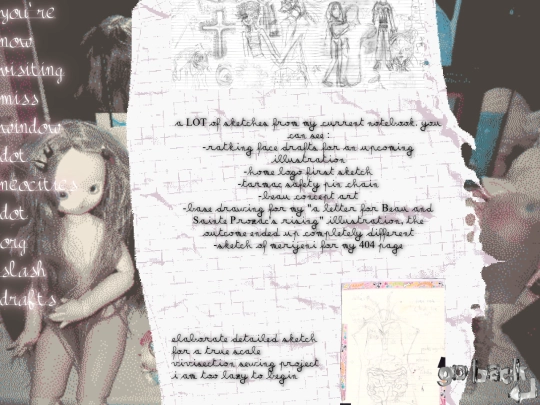
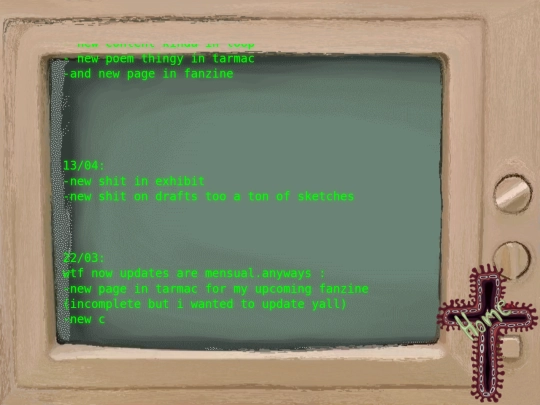
in love with your site & art, wow wow wow. very inspiring stuff, makes me want to draw more :]
2 likes
1 like
1 like
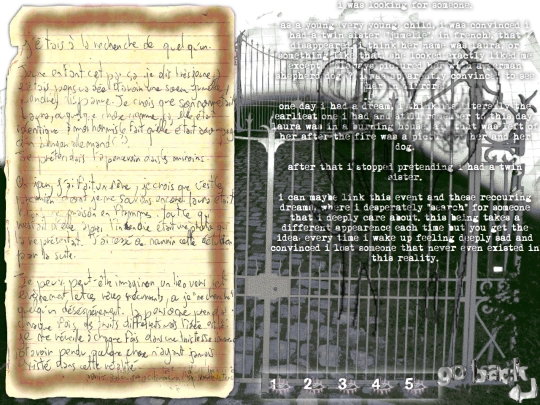
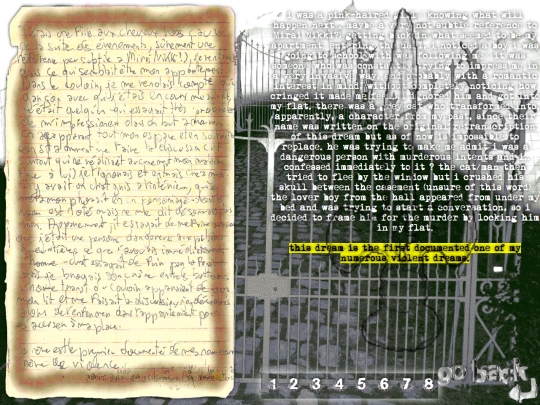
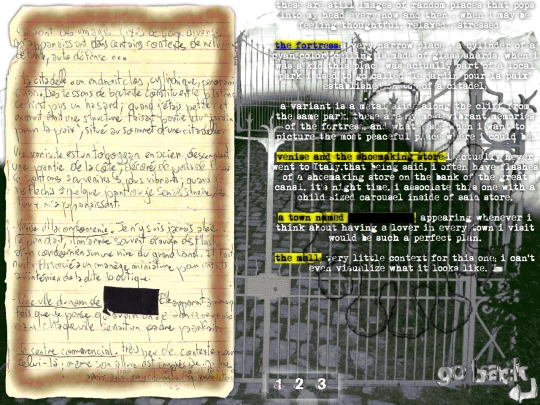
i really love the dreamletters section of my site but its the most time-consuming thing in here since i basically dream every night (bonus if a nap occurs). i want to keep that dynamic but it means writing everything i remember in notes app-> cutting the fluff -> handwriting on a page -> translating the whole deal -> putting the code back in place
4 likes
1 like

10 likes
2 likes
phoenix code is having problems all the time for me, anyone got a better code editor to share?
1 like
 misswindow
2 months ago
and happy 3 years to the site i guess wtf (only started working on it like a year and a half ago)
1 like

1 like
misswindow
2 months ago
not its real bday tho completely missed it lol!! yeah thats what i was using before but ai powered lol.. guess i dont rlly have a choice
oh my god ur site is so pretty
1 like

idk why but youtube keeps recommending me THAT andy stott album ive listened to death in high school. these days im beginning to like silence very much as after working all day in a place where every one has to talk all the time im very happy to come back to pure emptiness of noise, and i feel like this album is one of the closest thing, without being absolutely no stimuli i mean.
4 likes
misswindow
3 months ago
(as misswindow is not updating their site , theyre trying to still show theyre active and well.)
2 likes


It can be tricky! If you're using JS to track a custom div: hide the real cursor (cursor: none), put pointer-events: none on your custom element so clicks pass through, and animate it using transform... translate3d() inside requestAnimationFrame instead of top/left so it doesn't lag. Also hide it on mouseleave so it doesn't freeze at the edge of the screen...
oh also...if you want it to actually scale up or change when hovering over links, don't try to catch it with CSS :hover...add a mouseover / mouseout listener in your JS to toggle a class (like .is-hovering) on your custom cursor element when it touches links or buttons
There are also a lot of helpful youtube tutorials if you're just getting started on all of this :)
And this might be helpful: https://www.freecodecamp.org/news/how-to-make-a-custom-mouse-cursor-with-css-and-javascript/
One more: https://blog.openreplay.com/build-apply-custom-cursors-css-images/
OMG tysm ! yeah my first error as to try and make it all work with css....