
Developer HANk
265,995 views
283 followers
27,172 updates
0 tips
(late but) tks for following me! How did you make the Loading... page? JS only?
2 likes
Late but tks for following me! How did you make the banners animation? (autoscrolling buttons)
1 like
 ransei
8 months ago
ransei
8 months ago
Hello! Np :) Just use HTML tag like this: "marquee scrolldelay="100"" (srry, I can't paste tags here) and things you want to scroll inside the tags
1 like
5 likes
 devhank
8 months ago
devhank
8 months ago
Got sick today, the spring semester is coming soon, will try to finish 2 kpop crochet rows (exo exist era and enhypen desire:unleash era)
2 likes
6 likes
devhank
8 months ago
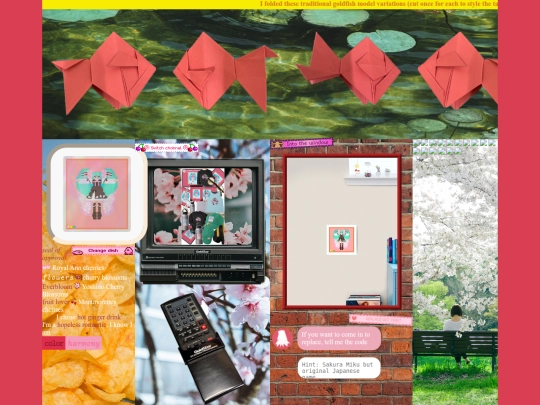
I thought keeping interactive containers like clicking blinkies/buttons so the page changes the current displayed image... was quite bland. I decided to put radio buttons, checkboxes and more, if your inputs are correct, your blinkie/button clicks can change the current displayed image
1 like
7 likes
1 like
I just put 2 blinkies on my homepage mentioning my email address, in case if you want to contact me (will try writing some js so you can click the blinkie and the browser says "copied HANk's email" or sth like that)
5 likes
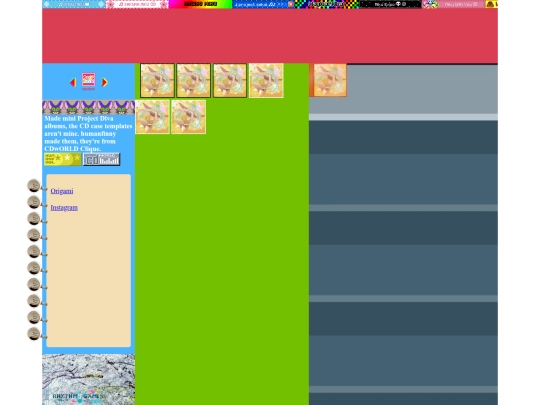
In case if you still want to be friends with me, I just put 2 blinkies on my homepage mentioning my email address, and the blinkie signs on the kagerou project part are meant to be clicked to access my account profiles. For now I only got discord and ig as other contact options (I'm not active on discord tho but I'll try to, gotta go to sleep)
4 likes
8 likes
devhank
8 months ago
just added the 1st footer to my site (I'll finish setting up my ko-fi, patreon, buy me a coffee, tipeee, liberapay accounts if yall want to support me!)
2 likes
eyy tks for following, what do you like about my site btw?
1 like
 pundone
8 months ago
pundone
8 months ago
I don't know, just seems very all over the place. love how untraditional it is.
1 like
1 like
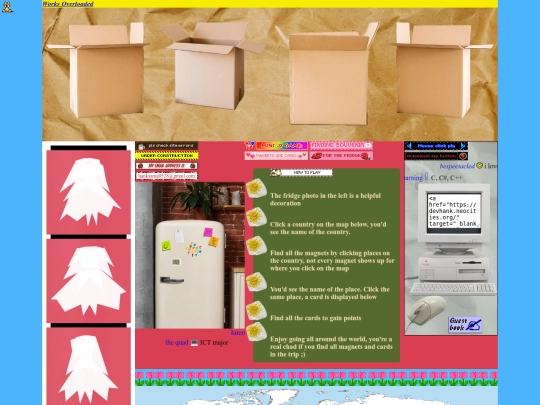
Can you add my button to your 88x31 button collage, I like the chaos tho (Find and click Download my button blinkie and the mouse image on my home page to copy the a href)
5 likes

1 like


![[ KiwiMeowo's Home :3 ] avatar](/site_screenshots/16/45/kiwimeowo/index.html.50x50.webp)


Yep! it's simple to make. you have to create a div with an id of "loadingScreen" in your HTML document, then you can use this simple code in your JS file to hide it: window.onload = function(){var loadScreen = document.getElementById("loadingScreen"); loadScreen.style.opacity = "0"; setTimeout(function () {loadScreen.style.display = "none"},300);}