2 likes
Begging and pleading for somebody to teach me how to keep the same layout when switching tabs. I used to just update my index + sitemap individually, but omg... I don't want to go back to that... v.v
 cozyamanda
45 minutes ago
i'm not 100% sure if it's applicable but i think you can achieve this with javascript. i believe i'm doing this on my site by flipping through the 'tabs' or different sections of my site. you can check the bottom of my index code if it's helpful. i hope someone else is able to chime in with more useful info!
1 like
 toffii
40 minutes ago
@cozyamanda Thank you, Amanda, for letting me looksie! 🥹 I'm going to do a lot of trial and error and see what I can come up with LOL!!
1 like
 chiisana-wasurenagusa
34 minutes ago
easiest beginner-friendly fix is to put your shared layout (header, nav, footer, etc.) in one JavaScript file so you only have to edit it once. Create a file called layout.js in your root folder and put something like this inside it:document.addEventListener("DOMContentLoaded", function () { if (!document.body.classList.contains("no-layout")) {
2 likes
chiisana-wasurenagusa
33 minutes ago
document.body.insertAdjacentHTML("afterbegin", headerEl); document.body.insertAdjacentHTML("beforeend", footerEl); } });
1 like
chiisana-wasurenagusa
32 minutes ago
const headerEl = ` <header> <!-- your header / nav HTML goes here --> <nav> <a href="/">Home</a> <a href="/about.html">About</a> <!-- etc --> </nav> </header> `;
1 like
chiisana-wasurenagusa
32 minutes ago
const footerEl = ` <footer> <!-- your footer HTML goes here --> </footer> `;
1 like
chiisana-wasurenagusa
31 minutes ago
Put all these lines in one .js. on every page, put this in the <head> (or just before the closing </body>): <script src="layout.js"></script>
1 like
chiisana-wasurenagusa
30 minutes ago
Just don't forget to put relative paths if you have any subfolders like I do.
1 like
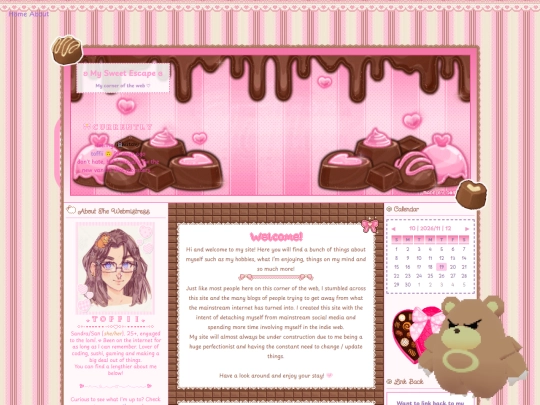
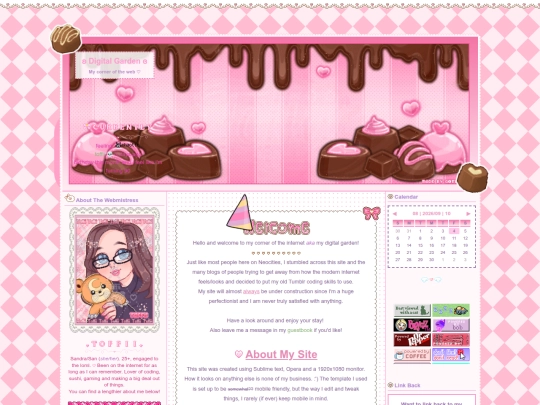
Hi guys! Just wanted to let you all know that I have a new site button, so if you could change out my buttons, I'd appreciate it a lot!
Thank you and I'm sorry for the inconvenience! 🥹🫶🏼
I also want to say how grateful I am to Valentinely for drawing it for me!
9 likes

1 like

1 like

1 like
6 likes

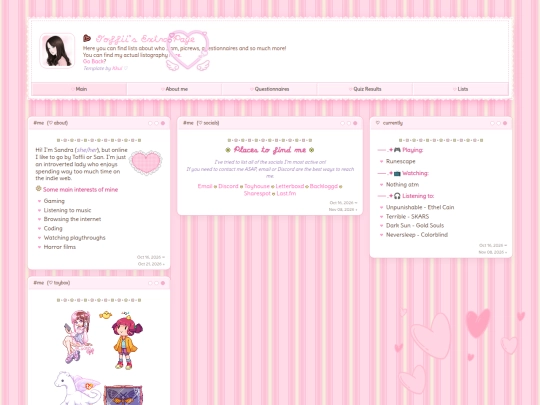
your site is SO cute + Shawshank Redemption mention (such a good movie)!! really excited to see more from you! ♡
1 like

1 like
8 likes
toffii
1 week ago
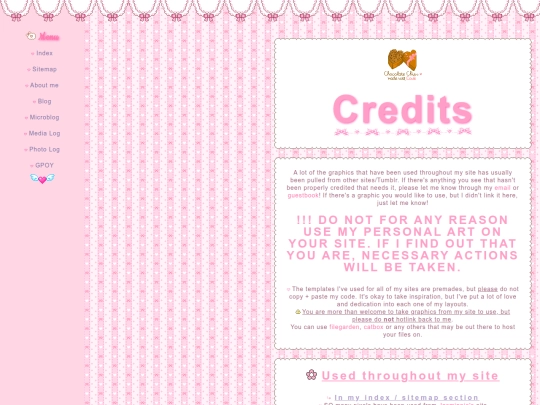
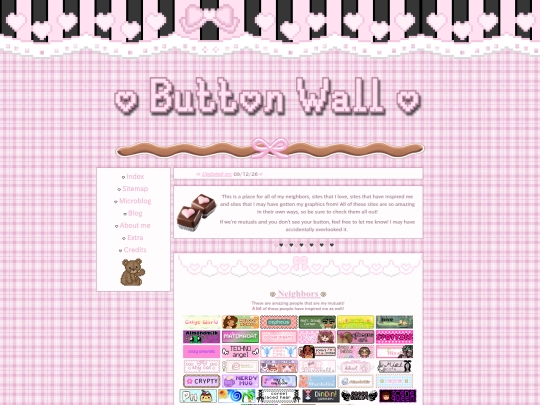
Updated my credits page! As always, if anybody sees anything that needs to be credited, /please/ let me know! I don't mean to use anything improperly. <3
3 likes

7 likes


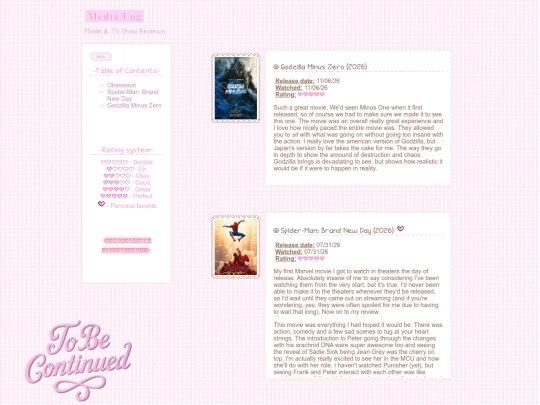
ooooooh i'm obsessed with your media page! :) <3