
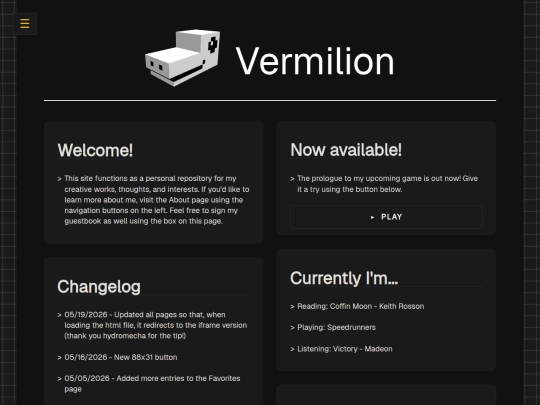
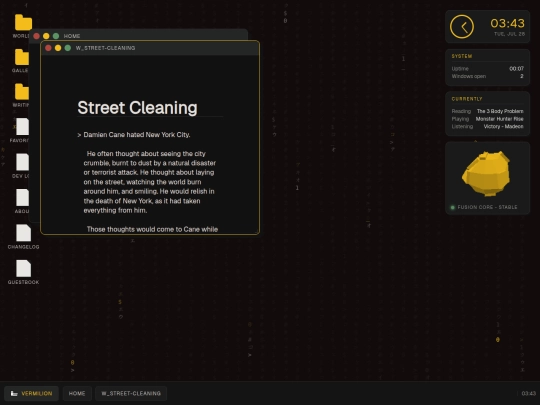
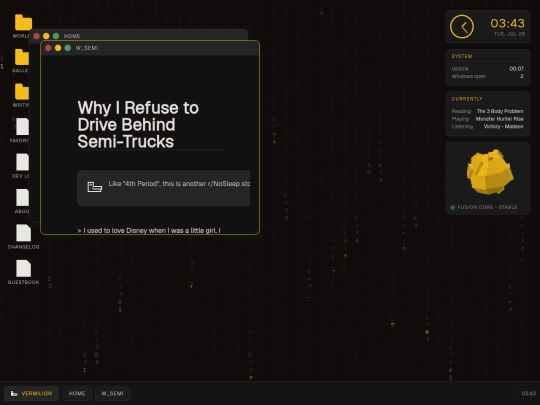
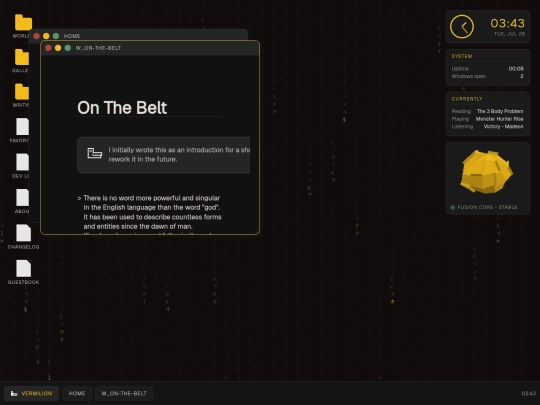
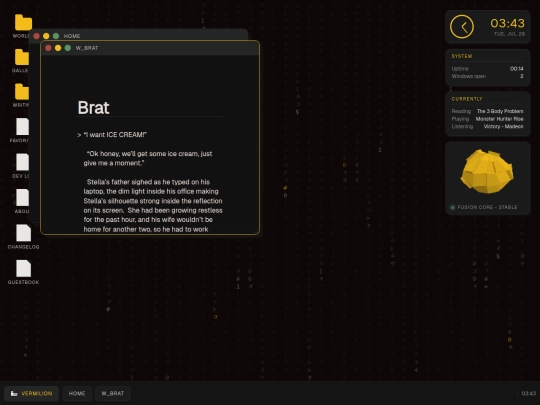
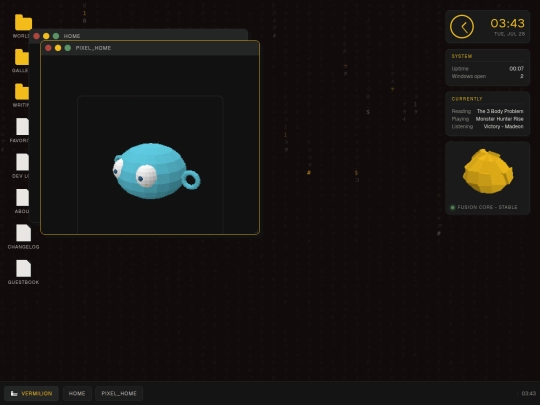
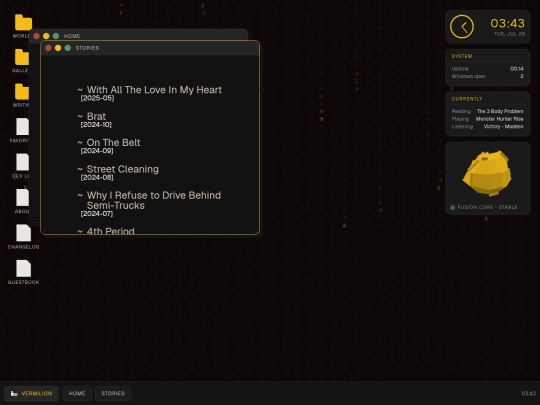
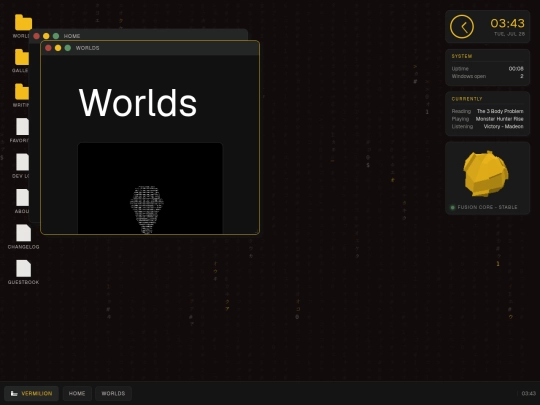
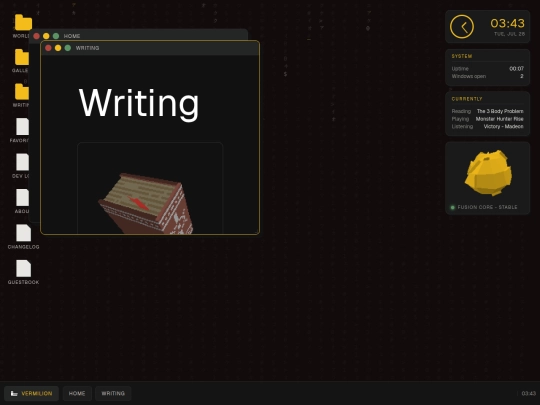
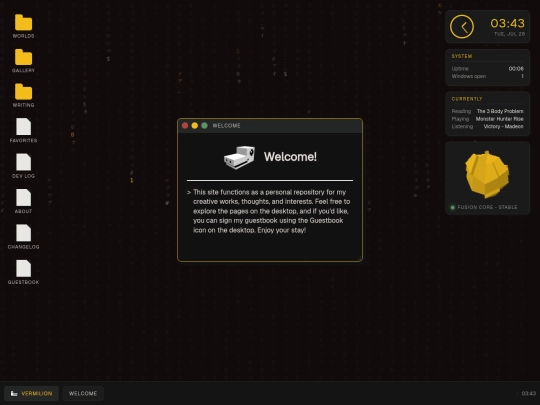
Hey man! I noticed all your pages look blank and unstyled in your feed posts whenever you update them, since it's all built on iframes. If you ever wanted to set nicer thumbnails for them, I recommend this custom thumbnail trick I found recently: https://control-neocities-thumbnail.neocities.org/
5 likes
Just figured out you could reply to guestbook messages on atabook, catching up on older posts now. That site is really sick but the UI is a little unintuitive
3 likes
 amaxivermis
4 months ago
amaxivermis
4 months ago
I didn't know how to reply with atabook at first either, it took me a bit of time to figure out how to do this because I had to help someone out with a piece of software
1 like
2 likes
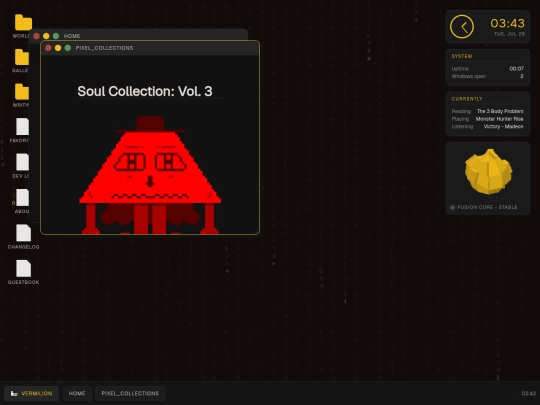
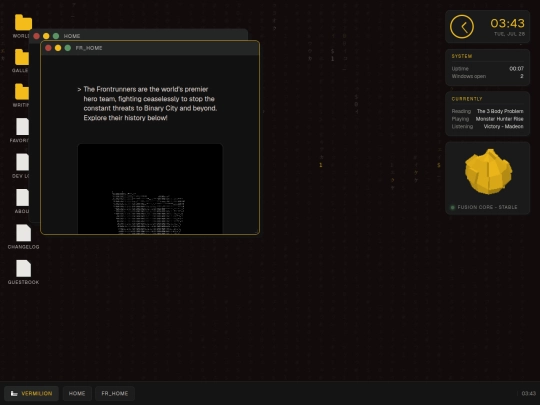
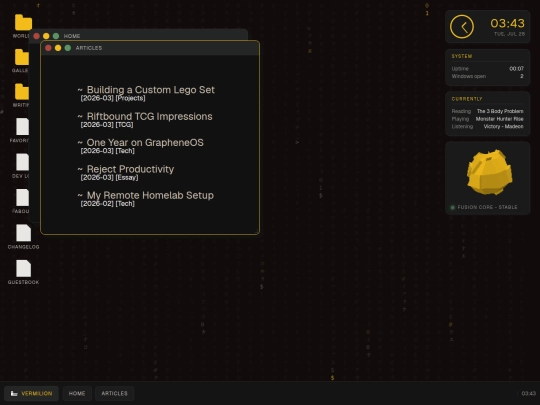
1 like
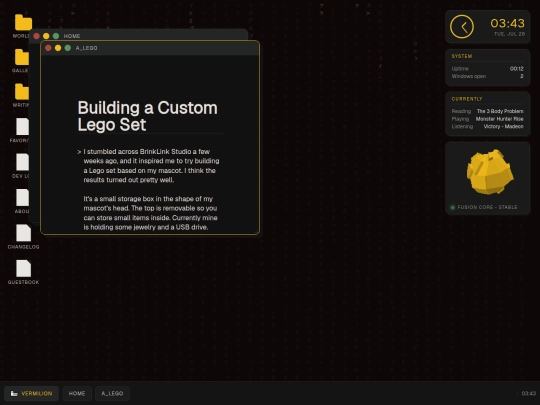
Just posted a new article on a fun project I did last week with Lego :) shoutout to tiny toy bricks
2 likes
amaxivermis
5 months ago
that's really cool and I like the lego build, I'd like to try out building my characters with legos one day
2 likes
 tabf5
5 months ago
tabf5
5 months ago
I like the workflow of planning a build in software and then buying the parts you need. People who can improvise clean builds from an assorted pile of legos scare me
1 like
Website Stats
Last updated
1 month ago
CreatedOct 16, 2025


Then again, clicking on them goes straight to the pages that are supposed to be in an iframe... hope the link is still useful!
You can have a page that's only supposed to be in an iframe run some JS to detect if it isn't and then redirect to another page. I do something similar for my own site but the basic gist is: if(window.self == window.top) { document.location.href = '[LINK TO PAGE HERE]'; } This will also change the thumbnail to whatever the redirected page is.
This might be a bit tricky to test offline (this largely depends on how you're linking stuff) unless you can run your site as a local server. I use the method described here: https://stackoverflow.com/a/27986564
Thanks for the heads up! I'll test these tricks out when I have some free time
what hydromecha said is way better, definitely do that!
Ok I think I've got it figured out (thank you hydromecha!) I added a script at the top of every iframe that checks whether or not the link has "embedded=true", and if it doesn't, it redirects to the iframe version of the page. Then I changed my iframe loader script to fetch every page with "embedded=true" as a marker that it was opened via fetch instead of standalone.
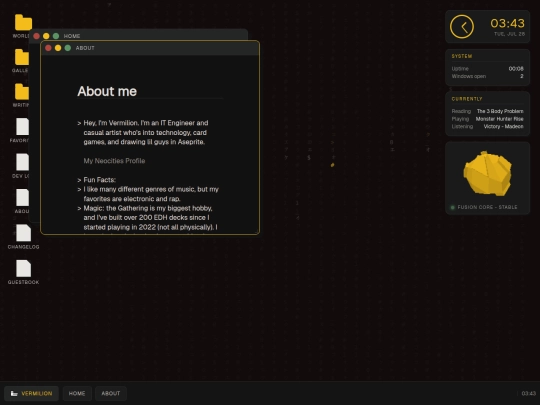
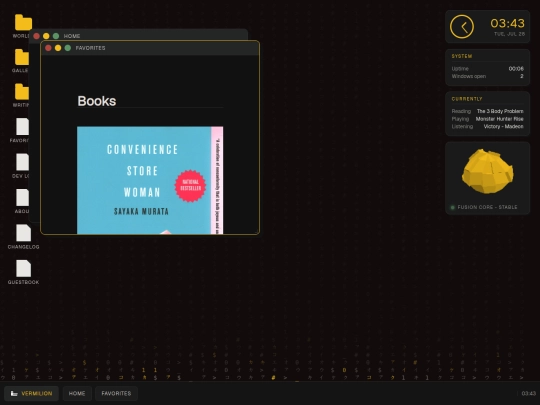
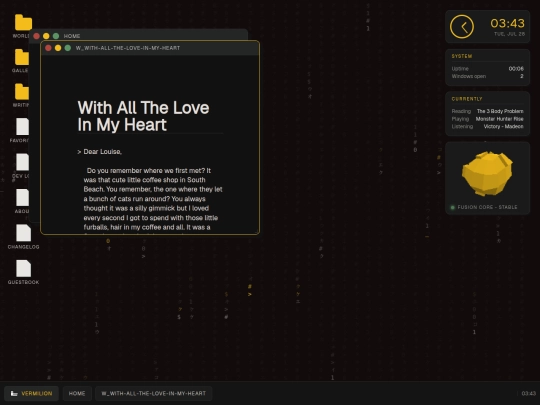
Also that somehow solved the thumbnail problem too??? Just updated all my pages and the thumbnails have styling now