

5 likes



8 likes
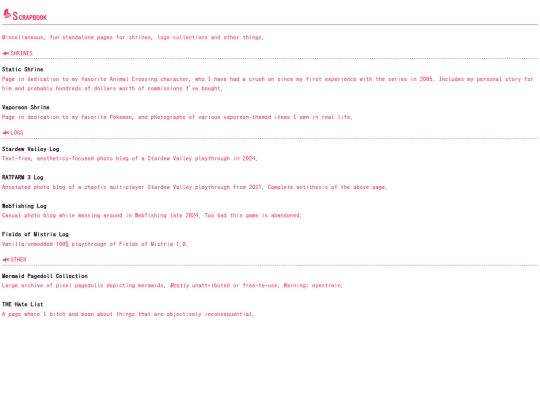
Okay. I need to ask something, and I'm going to sound like a tech-illiterate boomer. I recently changed to a newer, bigger monitor with a higher DPI. I then viewed my own website. Suddenly, it's incredibly tiny, like ant-sized. Everything only seems a normal size when I use 150% scaling.
5 likes
 sakana
3 weeks ago
sakana
3 weeks ago
I guess what I'm trying to ask is... how do I know/decide how big I should make stuff? And is there a way to use the 150% upscaling without images looking blurry and hazy? All pixel art looks like shit.
 heart143
3 weeks ago
heart143
3 weeks ago
I think there's no specific standard for how many units you should make something. it will just depend again on what you think or what's convenient for you. this is also a demonstration of how screen responsive design is not only for making sites look right on phones, it's also for making things look right on really big screens
1 like
heart143
3 weeks ago
and for the pixel art, the property you may need is image-rendering. I recall having to do ratio/proportions math to figure out the aspect ratio to make the pixels stay square shaped but maybe there are better ways to do it
1 like
 hifumeme
3 weeks ago
hifumeme
3 weeks ago
Yeah, when you got non-integer scaling, pixel art will look bad unless you got "big" pixels.
1 like
sakana
3 weeks ago
Thank you for the responses, they at least point me in a direction to get more info! "image-rendering" is exactly what I needed to ameliorate the second issue.
1 like
thanks for all the likes i get from you!
1 like
1 like
Thank you for always liking my updates lol... I love your site's sleek design, minimalist while being cute. Bonus for all the fish-themed things.
1 like
I've been away for a long time... no updates or new content or anything... just sitting around watching other people's site updates in my feed. Ho hum.
10 likes




14 likes
sakana
11 months ago
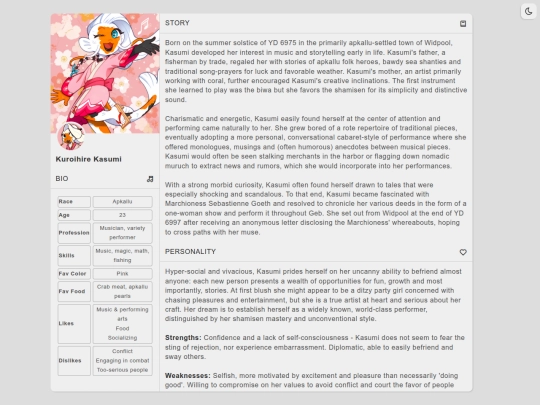
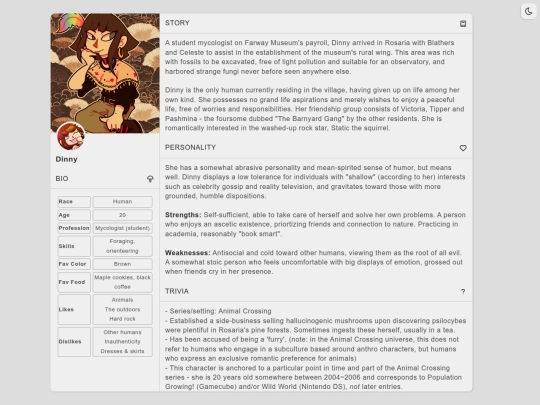
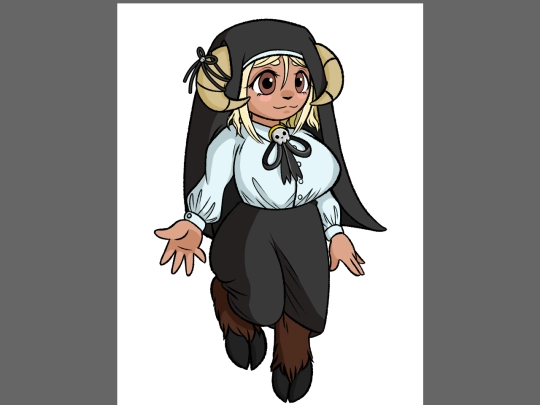
Character pages are much, much more comfortable to look/read through now and also have light or dark mode toggles. It's actually a heavily edited Tumblr custom page code, dropped phantomcodes a few bucks for making my life easier since it was offered as PWYW.
4 likes
Alright, I gotta bite. I've come to hate the look and feel of my original/TTRPG character profile pages. Do any of you have any templates/premade themes that would be good for presenting a bunch of organized text + images like this all on one page?
4 likes
 capstasher
1 year ago
capstasher
1 year ago
https://repth.neocities.org/theme Repth's themes are quire flexible. Many of my pages are based on their themes with some heavy personalization.
1 like
sakana
1 year ago
@capstasher Thank you very much for the suggestion, this isn't a page I've seen before.


![.: [ pink + rabbit ] :. avatar](/site_screenshots/30/36/marbled/index.html.50x50.webp)


Some of you were waiting as long as a year for this, I apologize.
thanks