
A. R. Tivadar and her Stuff
162,477 views
157 followers
5,687 updates
0 tips
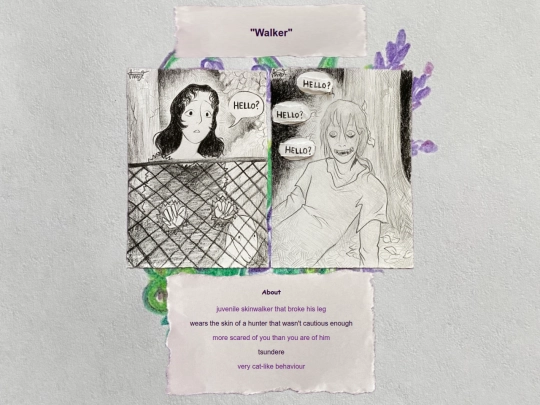
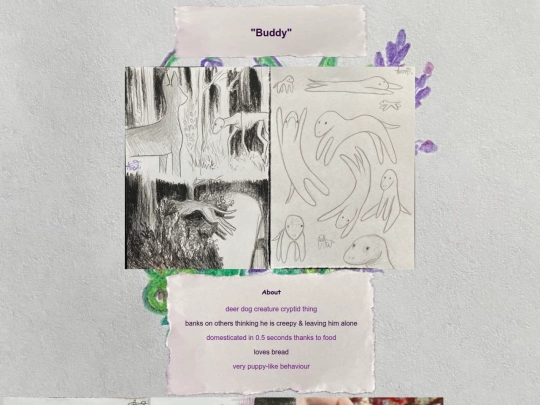
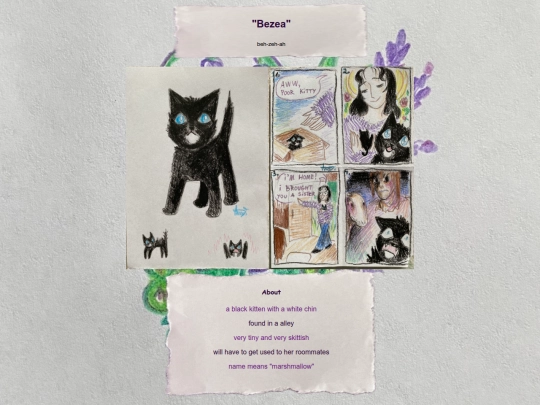
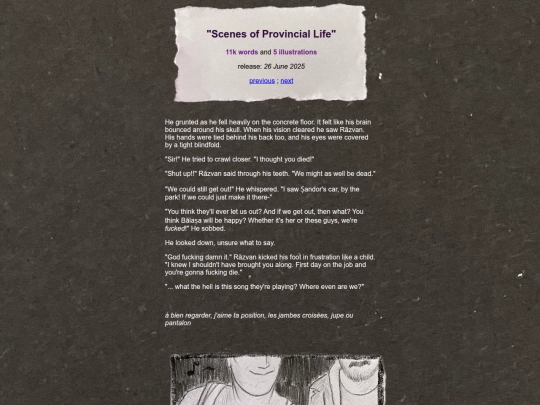
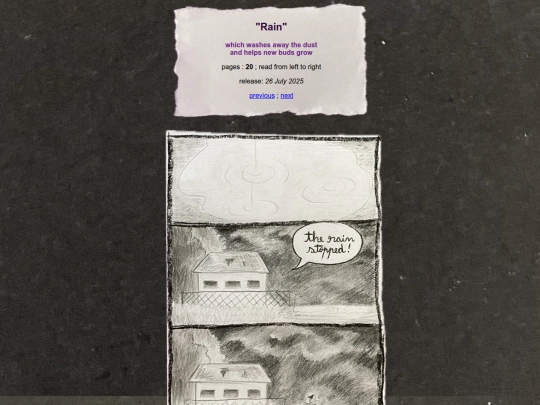
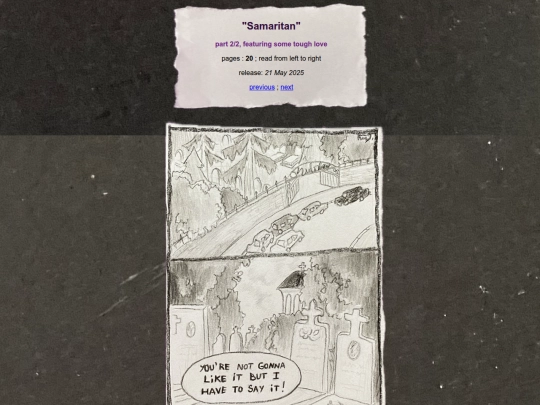
Thank you for following me! Your art is so good!! I love how you draw eyes

1 like
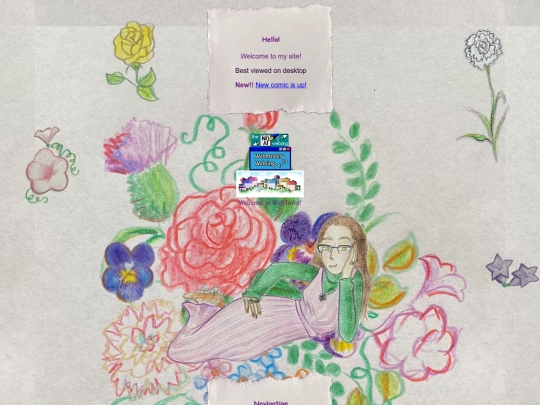
Making pet pages on neopets at 9 years old and making my website on neocities now at 27 (with about the same amount of talent) - my life has come full circle.
5 likes
How do you make pages with a lot of images load faster? Is there a way?
4 likes
 skykristal
1 year ago
skykristal
1 year ago
1. keep file size small. very small. (both file size/mb/kb and canvas size/px . for example a giant 4000px image will load quite long) 2. use lazy loading on graphics outside of view, can help with loading broken graphics. 3. always use jpeg intstead of png unless it needs to be transparent background
2 likes
skykristal
1 year ago
I've looked into your image sizes and they're just way, way too big. over 10mb is crazy. Try to keep them to 1 or 2mb MAX. They don't have to be crystal clear HD quality (you can link to them though), they just have to be viewable and readable.
2 likes
skykristal
1 year ago
(1 - 2mb max for graphics who really need it. below 500kb, 200kb or even smaller will give you great loading results)
2 likes
 seasoups
1 year ago
seasoups
1 year ago
sky is right, but u can also make a loading screen if you can't live without these large image sizes.
1 like
6 likes
1 like
3 likes
1 like
5 likes
 artivadar
1 year ago
artivadar
1 year ago
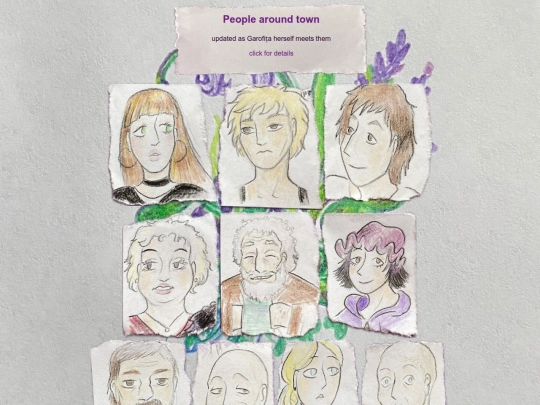
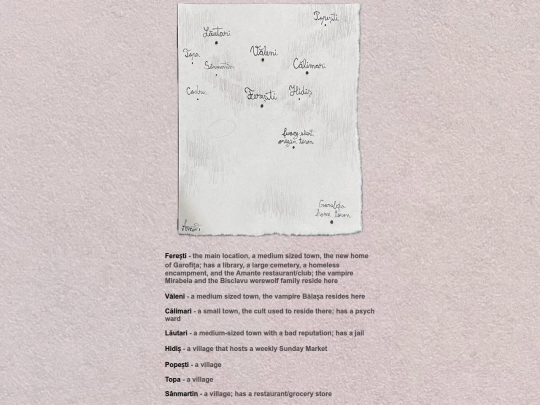
added a map with the locations in my story about Garofița! Will be updated as more places info about each place is revealed!
2 likes
3 likes
artivadar
1 year ago
Updated the pink morning glory flower on the left, it now links to genjipoems.org, a really cool site I discovered!
3 likes
3 likes
Whoever unfollowed right after I posted thank you for 65 followers, I hope your pillow is hot and your socks are twisted inside your shoes.
4 likes

2 likes
2 likes
Thank you for 30k views and 65 followers!! I’ll try to post more new stuff soon!
6 likes


![[tfpXE] avatar](/site_screenshots/15/25/tfpxe/index.html.50x50.webp)


new Garofița portrait, Vitalis art and stamps for the stamp album
second update: I'm gonna keep a wip page for testing things out and teaching myself codes
THIRD update: added a preloader made with this tutorial - https://nenrikido.neocities.org/blog/post/making-a-preloader/